How to Make a Coloring Book to Sell on Amazon KDP: Sizes, Bleed, Paper and Page Count
Trim size, bleed, gutter, page count, white vs cream, single-sided layouts and the AI disclosure: the actual KDP specifications for a coloring book, in the order you’ll need them, with the mistakes that get interiors rejected.
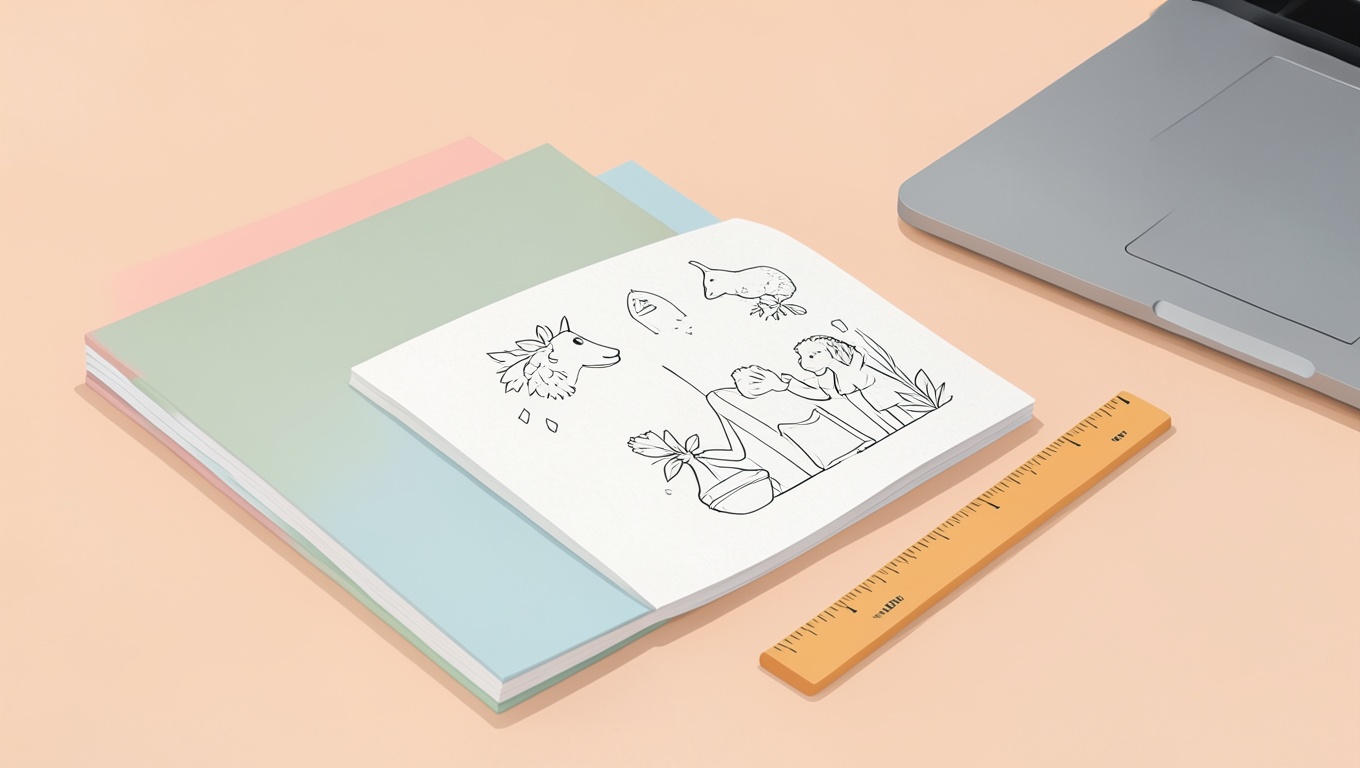
Short answer: the standard recipe is an 8.5 × 11 in paperback, white paper, black-and-white interior, no bleed (designs stay inside the margins), single-sided designs with blank or lightly patterned backs, an even page count between 24 and a few hundred, interior exported as a 300-dpi PDF with embedded fonts, and a separate cover PDF sized with KDP’s spine calculator. If you add bleed, every page becomes 8.75 × 11.25 in with the art extending 0.125 in past the trim. Below are the specs that actually matter, the choices behind them, and the small things that cause rejections.
Before the specs: what a coloring book is on KDP
Kindle Direct Publishing prints paperbacks (and hardcovers) on demand and lists them on Amazon. You upload two PDFs — interior and cover — set a price, and Amazon prints copies as they’re ordered. There’s no upfront cost, which is why coloring books are popular there, and also why the category is crowded. The specs below are what the system enforces; the quality of the pages is what decides whether anyone buys the second copy.
Trim size
8.5 × 11 in (21.59 × 27.94 cm) is the default for coloring books: it’s what people expect, it gives large coloring areas, and it’s supported for every paper and ink option. Alternatives: 8 × 10 in feels a little more “book,” 8.5 × 8.5 in suits mandalas and kids’ books. Pick one and design every page to it — don’t resize later.
Bleed or no bleed
- No bleed (most coloring books): your PDF page is exactly the trim size, and all art stays at least 0.25 in inside the edge. Simple, forgiving, and normal for coloring pages whose designs are framed by white space.
- Bleed (art to the edge): your PDF page is trim + 0.125 in on each outer side — 8.75 × 11.25 in for a letter-size book — and the art extends into that strip, because the trim cut wanders by a millimeter or two. Anything you don’t want cut off must still sit 0.25 in inside the trim line. Use bleed only if you actually want designs running off the page; it adds failure modes for no gain on a framed design.
Margins and the gutter
KDP requires at least 0.25 in on the outside edges (0.375 in is safer and what many designers use) and an inside (gutter) margin that grows with page count, because thicker books swallow more of the page in the spine. KDP’s current table is roughly: 24–150 pages 0.375 in; 151–300 pages 0.5 in; 301–500 pages 0.625 in; larger books more. Most coloring books are under 150 pages, so 0.375 in inside, 0.25–0.375 in outside covers it. Keep the coloring design itself comfortably inside those lines; a spiral or mandala with its edge on the margin looks cramped in the spine.
Page count — and why single-sided matters
Paperback interiors must be at least 24 pages and must have an even number of pages. KDP counts PDF pages, not sheets, so a book of 40 designs printed single-sided with blank backs is an 80-page PDF. Single-sided is the norm for coloring books because print-on-demand paper is ordinary book stock — fine for pencils and crayons, not for markers — and a customer who uses markers will otherwise ruin the design on the back. Two common patterns for the backs: a plain blank page, or a light “this page intentionally left blank” or small pattern so it doesn’t look like a printing error. Some publishers add a black (solid) page behind each design to stop show-through; that costs nothing extra on a black-and-white interior and reads as deliberate.
A practical range: 30–50 designs → 60–100 PDF pages. Fewer feels thin; far more makes the book heavy and the spine stiff for coloring.
Paper and ink
- White paper for coloring books. Cream is for novels; colors look dull on it, and a customer expects white.
- Black & white interior unless the book genuinely needs color inside (a colored example page, say). Color printing multiplies the per-copy cost.
- Paper weight is KDP’s standard book stock — you don’t choose it. Warn buyers in the description that it suits pencils and crayons and that markers may bleed through, and design single-sided accordingly. Readers appreciate the honesty more than they mind the limitation.
- Matte or glossy cover: your call; matte is common for coloring and “art” books.
The interior PDF
- Resolution: 300 dpi artwork. Line art drawn or generated at around 2550 × 3300 px for a letter page prints crisp; small files print soft and fail the previewer’s quality warning.
- Pure black lines (100% K, or RGB 0,0,0), no grey anti-aliasing halos, no JPEG compression artifacts. Export art as PNG or vector, assemble the PDF in a layout tool (Affinity Publisher, InDesign, Canva’s print PDF, even Word for simple books), and export as “PDF/X” or “press quality” with fonts embedded and images not downsampled.
- One page size for the whole file. A single stray page at a different size or with bleed set differently gets the file rejected.
- No crop marks, no registration marks, no color bars. KDP adds nothing; you should add nothing either.
- Front matter: a title page and a copyright/“how to use this book” page are normal; a “test your markers here” page is appreciated.
The cover PDF
The cover is a single landscape PDF: back cover + spine + front cover, with 0.125 in bleed all round. Its exact size depends on trim, page count and paper — KDP provides a cover calculator and template once you know your page count, and you should use it; the spine width on white paper is about page count × 0.002252 in (cream is slightly thicker at 0.0025 in). Spine text needs roughly 0.0625 in of clearance each side and isn’t allowed on very thin books (under about 80 pages). Leave the barcode area (bottom right of the back cover) clear; KDP prints the ISBN barcode there.
Things that get interiors rejected or flagged
- Page size that doesn’t match the selected trim (often an A4 file uploaded to an 8.5 × 11 listing).
- Art or text inside the margin/gutter zone, or not extending fully into the bleed on a bleed book.
- Odd page count, or fewer than 24 pages.
- Low-resolution images (the previewer warns; customers complain).
- Fonts not embedded; transparency flattening issues from some design tools — export a flattened PDF.
- Blank pages flagged as errors when they’re intended — add a faint line of text or a tiny pattern if this happens.
Content rules you should know
- AI-generated content must be disclosed. KDP asks during setup whether the text, images or translations were AI-generated (as opposed to AI-assisted) and requires a yes/no answer. Answer honestly; it does not, by itself, block publication.
- No trademarked characters or brands you don’t own, and no public-domain art passed off as original without checking the trademark side — the copyright guide in this series covers the distinction.
- Quality matters for keeping the listing. Amazon does remove low-effort, near-duplicate coloring books. A coherent theme, consistent line weight and pages people actually want to color are the real moat.
A sensible workflow
- Choose trim (8.5 × 11), no bleed, white paper, B&W.
- Make 30–50 designs at 300 dpi with a consistent style and line weight. If you generate them, use a consistent prompt structure — see how to write prompts for AI coloring pages — and fix hands, counts and stray text before layout.
- Lay out single-sided: design, blank back, design, blank back. Add a title page, a copyright page, a marker test page. Even total.
- Export interior PDF; run it through KDP’s previewer; fix anything flagged.
- Build the cover from KDP’s template for your final page count; export with bleed.
- Order an author proof and color three pages with pencils and markers yourself before publishing. Print-on-demand line weight and paper feel are impossible to judge on screen.
Frequently asked questions
What size should a KDP coloring book be?
8.5 × 11 in is standard. 8 × 10 and 8.5 × 8.5 are reasonable alternatives. Design every page to the chosen trim from the start.
Do coloring books need bleed on KDP?
Only if the art runs to the edge. Most coloring books use no bleed and keep designs 0.25–0.375 in inside the trim, which avoids a whole class of rejections.
How many pages should a coloring book have?
Minimum 24, even count. A typical book is 30–50 single-sided designs, i.e. 60–100 PDF pages.
White or cream paper for a coloring book?
White. Cream mutes colors and isn’t what buyers expect.
Do I have to tell KDP my pages were AI-generated?
Yes — KDP requires disclosure of AI-generated text, images or translations during setup.
Can I put the same design on both sides of a page?
You can print designs on both sides, but single-sided with blank backs is strongly preferred for coloring books because markers bleed through standard book paper.
If the pages themselves are the part you’re unsure about — line weight, detail level, who they’re for — our guides on toddler pages and paper are worth a read before you lay anything out, and our free coloring pages show the kind of clean, consistent line work that prints well.