How to Laminate Coloring Pages for Dry-Erase Reuse (Laminator vs Sheet Protectors vs Contact Paper)
A laminated coloring page becomes a reusable dry-erase activity. Thermal laminator, self-seal pouches, sheet protectors, contact paper — what each costs, how each holds up to dry-erase markers, and the trick that stops ghosting.
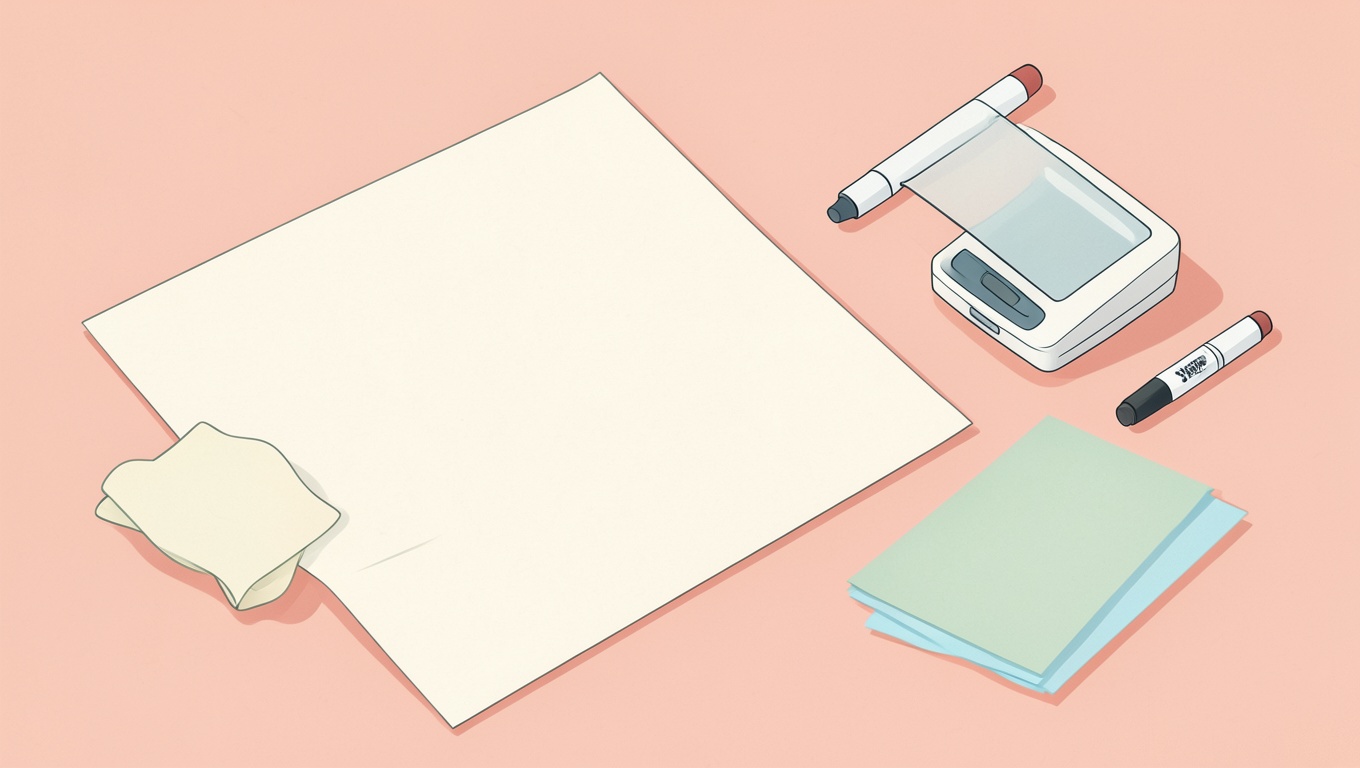
Short answer: any clear plastic surface over a printed page turns it into a dry-erase coloring activity. A thermal laminator with 3 mil pouches gives the most durable, smoothest result and is the cheapest per page over time; sheet protectors are the fastest and let you swap pages, at the cost of a slightly “wavy” writing surface; self-adhesive laminating sheets or contact paper work without any machine but trap bubbles and scratch sooner. Use dry-erase markers (fine tip) for easy wiping, wipe within a day or two to avoid ghosting, and keep permanent markers and crayons off the plastic. Here’s how to choose, how to do each one well, and what to print in the first place.
Why laminate a coloring page at all
Reuse, mostly: a laminated page survives a classroom of children, a toddler’s enthusiasm and a restaurant table, and it wipes clean for the next go. It also turns any page into a tracing or pre-writing activity, lets kids “color” the same favorite over and over without printing it ten times, and makes a travel-friendly, mess-free activity. The trade-off is that dry-erase color is thin and streaky next to crayon, and it doesn’t keep — a laminated page is an activity, not a keepsake.
Option 1: Thermal laminator (best result, small machine)
A home thermal laminator costs about as much as a few coloring books and pays for itself quickly. Pouches come in thicknesses measured in mils (thousandths of an inch): 3 mil is the everyday choice — flexible, cheap, takes dry-erase well; 5 mil is stiffer and more durable for heavy classroom use; 7–10 mil is rigid, more expensive, and overkill for coloring pages.
- Print on ordinary paper. Heavier paper isn’t needed; the pouch provides the stiffness.
- Let the machine fully warm up (the light turns). Feeding too early causes cloudy patches.
- Slide the page into a pouch, leaving a small even border of empty plastic around it, and feed the sealed edge first so air escapes.
- Let it cool flat for a minute before writing on it. Trim if you like, but leave at least 2–3 mm of sealed plastic around the paper or the layers peel.
Tip: for a whole set, print the pages and pouch-laminate a stack in one session; it’s far faster than doing them one at a time over weeks. Round the corners with scissors or a corner punch — sharp laminated corners are surprisingly pointy.
Option 2: Sheet protectors (fastest, swappable)
Slide the printed page into a standard clear sheet protector (the kind sold for binders). Done. The surface is slightly soft and can feel wavy under a marker, and the open top edge lets a determined toddler pull the page out, but you can change the page in seconds, keep a whole binder of activities, and there’s no machine. Buy the heavyweight, non-glare “clear” protectors rather than the thin matte ones: dry-erase wipes off smooth gloss far better than off textured matte. A piece of thin card behind the page inside the protector makes it firmer.
Option 3: Self-adhesive laminating sheets or contact paper (no machine)
Peel-and-stick laminating sheets (or clear contact paper / shelf liner) go on cold. The surface takes dry-erase reasonably well and it’s the cheapest route if you have no laminator and want something more permanent than a sleeve. The downsides are bubbles and wrinkles — apply from one edge with a credit card, slowly — and a softer surface that scratches and clouds sooner. Use one sheet on the front only for a bendy mat, or both sides for a stiffer one. Good for a handful of pages; tedious for fifty.
Option 4: Cold laminators and laminating pouches without a machine
Some “self-seal” pouches close with an adhesive layer when you press them, and small hand-crank cold laminators exist for heat-sensitive materials. Both work and avoid heat, but for paper coloring pages there’s no advantage over a cheap thermal machine, and self-seal pouches cost more per page.
Which marker to use
- Dry-erase markers (whiteboard markers), fine or chisel tip. Wipe with a dry cloth or tissue. Fine tips give kids more control on coloring pages; chisel tips fill faster.
- Wet-erase markers (the kind for overhead projectors) stay put until wiped with a damp cloth — useful for pages that need to survive a day without smudging.
- Washable markers bead up on plastic and wipe off with water; the color is uneven but they’re cheap and safe for the youngest.
- Avoid permanent markers, gel pens and crayons. Permanent marker ghosts (see below), gel skips, crayon just smears.
Stopping ghosting and staining
Dry-erase ink left for days, or certain colors (red and purple especially), can leave a faint ghost on the plastic. To prevent it, wipe the same day. To remove it: scribble over the ghost with a fresh dry-erase marker and wipe — the solvent in the new ink lifts the old — or use a little rubbing alcohol or a whiteboard cleaner on a cloth. A magic eraser works too but dulls the gloss over time. If someone used a permanent marker, the dry-erase-over-the-top trick usually removes it from laminate as well.
What to print for lamination
- Bold lines, large areas. Dry-erase tips are broad and the color is thin, so intricate pages don’t work; pages designed for younger children — our easy coloring pages — are ideal, as are mandalas with big sections.
- Tracing and pre-writing pages: letters, numbers, shapes, dotted lines — lamination turns a single printout into a month of practice.
- Color-by-code and matching activities for the classroom, which otherwise burn through paper.
- Placemats: a favorite scene, laminated at 5 mil, lives at the dinner table for months.
Print at full size on plain paper; print settings that give crisp black lines matter more here than anywhere, because the plastic magnifies soft edges — see how to print coloring pages without blurry lines.
Comparing the options
| Method | Durability | Surface for markers | Swap pages? | Effort | Cost over time |
|---|---|---|---|---|---|
| Thermal laminator, 3–5 mil | High | Excellent | No | Low (after setup) | Lowest per page |
| Sheet protectors | Medium | Good (glossy) / fair (matte) | Yes | Minimal | Low |
| Self-adhesive sheets / contact paper | Medium–low | Good until scratched | No | Medium (bubbles) | Medium |
| Self-seal pouches | Medium | Good | No | Low | Higher per page |
Safety and practical notes
- Thermal laminators get hot; keep small hands away and let pages cool before handing them over.
- Round off corners for toddlers.
- Dry-erase markers are low-odor but not edible; supervise the youngest.
- Don’t laminate anything you want to keep as art — lamination is permanent and adds glare. For keepsakes, use a sleeve.
Frequently asked questions
Can you use dry-erase markers on laminated coloring pages?
Yes — that’s the main point. Wipe with a dry cloth, ideally the same day. Use fine tips for control.
What thickness laminating pouch for coloring pages?
3 mil for general use; 5 mil for heavy classroom use or placemats. Thicker is stiffer and costlier without improving the writing surface.
How do I laminate without a laminator?
Sheet protectors (quickest), self-adhesive laminating sheets, or clear contact paper applied slowly from one edge. Heavyweight glossy sheet protectors take dry-erase best.
Do crayons work on laminated pages?
No — wax won’t grip the plastic. Use dry-erase, wet-erase or washable markers.
How do you remove permanent marker from a laminated page?
Color over it with a dry-erase marker and wipe, or use rubbing alcohol on a cloth.
Can I laminate a page a child has already colored?
You can, to protect it, but crayon and marker can smear or “melt” slightly under heat and colors may shift; a sheet protector is the safer keepsake option.
For what to put in the sleeve, the alphabet pages and easy pages are the ones we see laminated most — bold lines, big shapes, endless reuse.